
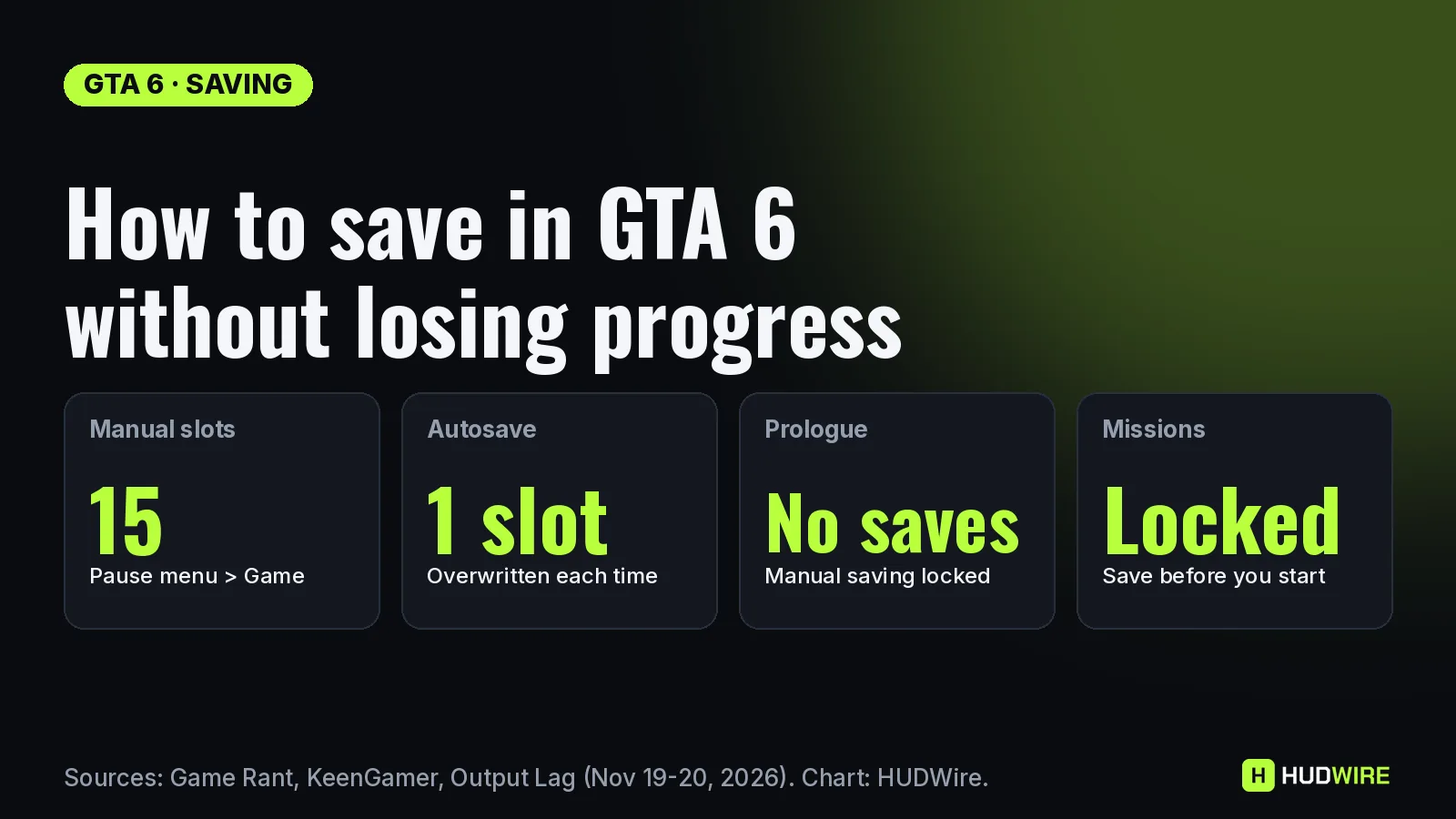
To save in GTA 6, open the pause menu (Options on PS5, Menu on Xbox), go to Game, choose Save Game and pick one of 15 slots. You can do it anywhere in free roam, without a safehouse or bed. You can’t save during the prologue or in the middle of a mission, and the single autosave slot is overwritten every time it fires, so keep your own manual saves, because GTA 6 has no mission replay.
Checked on November 21, 2026. Reported Rockstar has not published a saving guide. Everything here comes from outlets that have played the game: Game Rant (November 19), KeenGamer and Output Lag (updated November 20), all read directly. Where they disagree, we say so.
How to save manually in GTA 6
- Finish or leave your current mission. Save Game stays greyed out while a mission is active.
- Press Options (PS5) or Menu (Xbox Series X|S) to open the pause menu. Output Lag lists the tabs as Map, Game, Store, Help, Photo Studio and Settings.
- Select Game, then Save Game. The same tab holds Load Game and New Game.
- Pick an empty slot, or a used one to overwrite. The game asks “Overwrite saved game?” and the old save is gone once you confirm (Output Lag).
- Let the save finish before quitting to the menu or closing the game.
Each slot shows the current mission, your completion percentage, the date and time, a screenshot and a short story summary, per Output Lag. A free-roam save may load you back at your safehouse rather than the exact spot you saved.
GTA 6 saving rules at a glance
| Rule | What happens | Reported by |
|---|---|---|
| Manual save | Pause menu > Game > Save Game, pick a slot | KeenGamer, Output Lag |
| Where you can save | Anywhere in free roam; no bed or safehouse needed | KeenGamer, Output Lag |
| Manual slots | 15 (counter reads 1 / 15) | KeenGamer, Output Lag |
| Autosave slot | 1, separate from the 15; each autosave replaces the last | Game Rant, KeenGamer, Output Lag |
| Autosave triggers | After missions (all three); also certain side quests and major purchases (Game Rant), open-world events (KeenGamer) | See note below |
| Turn autosave off? | No option in Settings | Output Lag |
| Prologue | Manual saving locked until it ends | KeenGamer, Output Lag |
| During a mission | Locked; pause offers Retry Checkpoint / Restart Mission | KeenGamer, Output Lag |
| Quick save button | None; the pause-menu save does the job | KeenGamer, Output Lag |
| Cheats | Block saving for the session | Our cheats list (GamesRadar+, GameSpot) |
When does autosave fire? All three outlets agree it saves after missions. Game Rant adds certain side quests and major purchases, and found it “can sometimes trigger after you sleep”, possibly only when a mission call follows; KeenGamer says open-world events; Output Lag says it only saves at the end of a mission. Until that is settled, assume nothing between missions is protected. Game Rant’s tip: check the time next to the autosave slot on the load screen.
The autosave trap
Reported Because there is only one autosave slot, an autosave that lands after a bad choice or a failed robbery wipes your way back, unless a manual save holds it (Game Rant, KeenGamer). It works the other way too: Game Rant warns that if you load an old manual save to replay a mission, finishing that mission overwrites the autosave with the older progress. Game Rant’s advice is a manual save before and after every main story mission, or about once an hour.
How to use your 15 save slots
There is no mission replay in GTA 6 (GamesRadar+ and GTABase, as covered in our mission list), and KeenGamer notes some side missions disappear when their chapter ends. A spread of manual saves is the only way back. A plan built from the outlets’ advice:
| When to save | Why | Source |
|---|---|---|
| After the prologue | Clean start for a second run or to test the police | KeenGamer, Polygon (via our tips) |
| Start of each chapter | Replay a chapter and its side missions | KeenGamer, Output Lag |
| End of each chapter | Safehouses change and old ones don’t come back | KeenGamer, GameSpot (via our tips) |
| Before big story choices | See the other outcome without a new game | KeenGamer, Output Lag |
| Before every Chapter 2 mission | Painkiller objective bug needs an older manual save | Output Lag |
| 2–3 rotating free-roam slots | Protect side-activity progress between missions | KeenGamer |
Our math Five chapters (per our mission list) times two saves (start and end) is 10 slots, which leaves 5 for big choices and rotating free-roam saves. One slot per chapter start alone would use only 5 of 15.
Launch bugs where an older save helps
Reported Output Lag lists launch issues that a manual save gets you past. These are player reports collected by one outlet, not issues Rockstar has acknowledged:
- Chapter 2 painkillers: the objective can stop advancing after the cutscene at Dunk’s trailer, and loading the latest autosave doesn’t fix it; you need a manual save from before it.
- Joey’s repair mission (Just a Scratch): fully upgrading or reskinning your car first can hide the engine repair option. Reloading a save from before the upgrade fixes it.
- Crashes and power cuts: anything since the last autosave is lost; some players report going back further.
Rockstar has published no patch notes or known-issues list for GTA 6 yet; our Is GTA 6 down? page tracks server status and official fixes.
Cloud saves on PS5 and Xbox
Reported Output Lag says GTA 6 saves upload to the cloud on PS5 if you have PlayStation Plus (cloud storage comes with every tier), and sync to your Microsoft account for free on Xbox Series X|S while you’re online. Let the upload finish before you switch the console off.
Safehouses: you don’t need them to save
Reported The pause-menu save works anywhere, but safehouses still matter. Jason’s first safehouse is his stilt house in Key Lento; sleeping there skips the night and restores Health and Stamina, and the loose floorboards in his bedroom work as a cash stash until bank access unlocks (KeenGamer). Our day length guide explains sleeping and skipping time.
FAQ
How do you save in GTA 6?
Open the pause menu (Options on PS5, Menu on Xbox), select Game, then Save Game, and pick one of the 15 slots. It works anywhere outside a mission, so you don’t need a safehouse or bed (KeenGamer, Output Lag).
Does GTA 6 have autosave?
Yes. It autosaves after missions into one dedicated autosave slot that is overwritten each time. Game Rant says some side quests and major purchases also trigger it. It can’t be turned off.
How many save slots does GTA 6 have?
15 manual save slots plus one separate autosave slot, according to KeenGamer and Output Lag.
Can you save during a mission in GTA 6?
No. Manual saves are locked during missions and for the whole prologue. During a mission, the pause menu offers Retry Checkpoint and Restart Mission instead.
Can you replay missions in GTA 6?
No. There is no mission replay, so a manual save from before a mission is the only way to play it again.
Keep reading on HUDWire
Image: HUDWire graphic. Saving details as reported by Game Rant, KeenGamer and Output Lag. Checked November 21, 2026.