
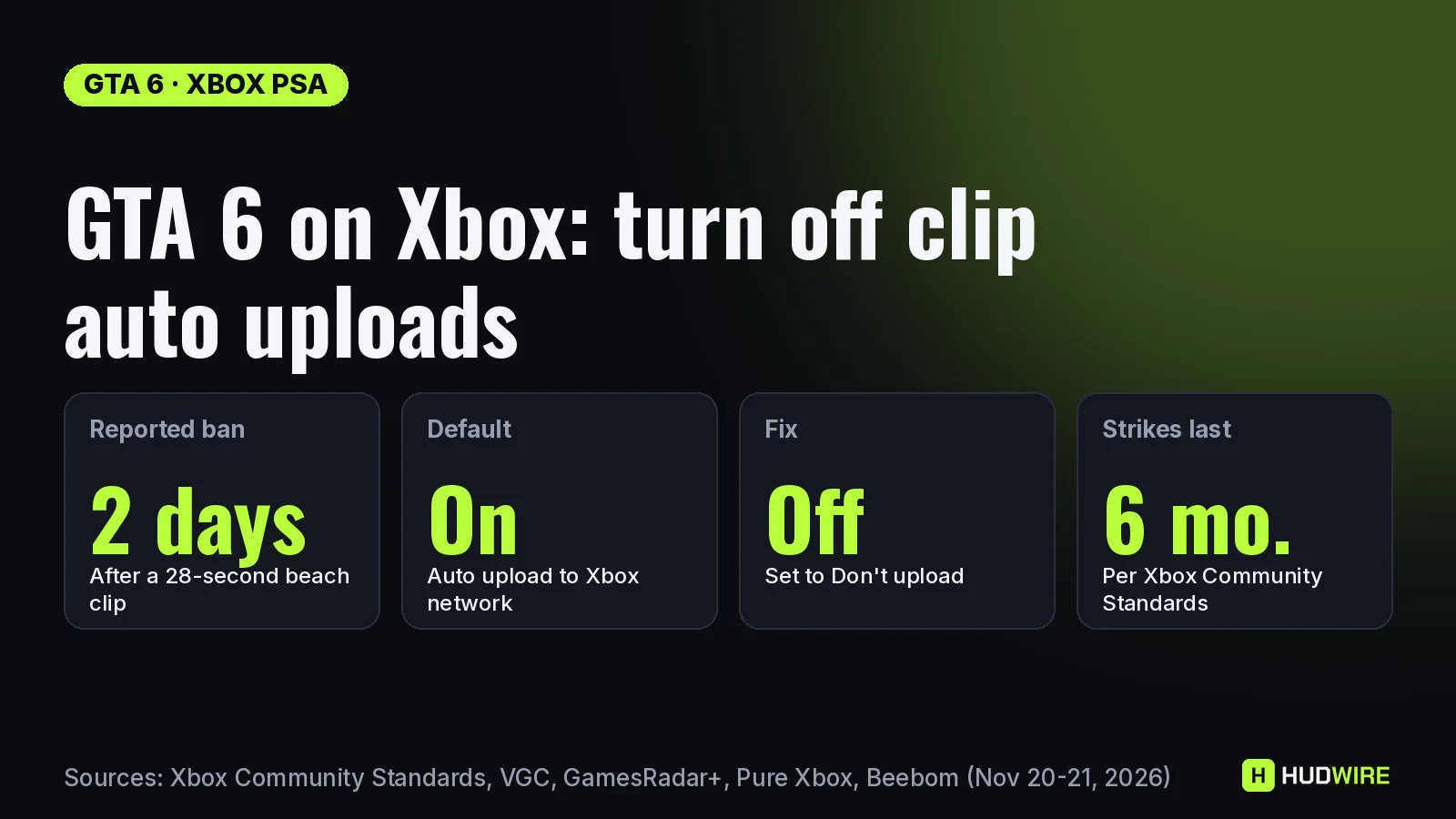
If you play GTA 6 on Xbox Series X|S, turn off automatic clip uploads now: players report temporary Xbox suspensions after GTA 6 clips uploaded on their own, including a two-day suspension for a 28-second beach clip. The fix takes 30 seconds: Settings > Preferences > Capture & share > Automatically upload > Don’t upload. You can still record everything; your clips just stay on the console.
Checked on November 22, 2026. Reported The reports come from players on Reddit and social media, written up by VGC, GamesRadar+, Pure Xbox and Beebom on November 20 and 21. Official The rules we quote are from the Xbox Community Standards, which we read directly. Microsoft has not said anything about GTA 6 clips.
What happened
Reported Reddit user sangobar says a 28-second GTA 6 clip from his Series X was uploaded to the Xbox network automatically and flagged almost immediately. He received a two-day suspension. The enforcement email did not say whether the clip broke the Xbox Community Standards or the Microsoft Services Agreement, and he says it could not be appealed (GamesRadar+, Beebom). According to the player, the clip showed “zero nudity”, only NPCs in swimsuits and bikinis on a Vice City beach (Pure Xbox).
Other players have reported similar temporary bans (Beebom), but VGC notes that nobody knows yet how widespread it is. Pure Xbox points out that GTA 6 does contain full-frontal nudity, so a clip that catches the wrong second of a scene is a real risk even if the beach case was a false flag.
| Claim | Status | Source |
|---|---|---|
| Players received temporary Xbox suspensions after GTA 6 clips auto-uploaded | Reported | VGC, Pure Xbox, Beebom, GamesRadar+, Windows Report |
| The best-known case: a 28-second beach clip, a two-day suspension | Reported | Reddit user sangobar, via GamesRadar+ and Beebom |
| The email did not say which rule was broken; the user says it could not be appealed | Reported | GamesRadar+, Beebom, Pure Xbox |
| How many players are affected | Unknown | VGC: “we don’t currently know how widespread the issue is” |
| Auto upload can be on by default | Official | Xbox Community Standards |
| Clips with “mature sexual content” break the rules | Official | Xbox Community Standards |
| Microsoft statement about GTA 6 | None found | Searched November 22, 09:20 CET |
| PS5 players affected | No reports | VGC |
How to turn off auto uploads on Xbox
These steps are the same in VGC, GamesRadar+ and Beebom:
- Press the Xbox button on your controller to open the guide.
- Go to Profile & system > Settings.
- Select Preferences > Capture & share.
- Under Automatically upload, open To the Xbox network and pick Don’t upload.
- Optional: set To OneDrive to Don’t upload as well.
Shortcut (Beebom): press the Xbox button, open the Captures tab, go to Capture settings and change the same two options.
| Setting | What it does | What we recommend |
|---|---|---|
| Automatically upload: To the Xbox network | Sends new clips and screenshots to Xbox servers, where they can be checked against the Community Standards | Don’t upload. This is the setting every report points to |
| Automatically upload: To OneDrive | Copies captures to your private OneDrive | Optional. GamesRadar+ says OneDrive is more lenient; set it to Don’t upload too if you want zero risk |
| Capture button / local saving | Records clips and screenshots on the console | Leave it on. Captures still save locally (VGC, Beebom) |
| Manual sharing | You choose a clip and share it to Xbox, a club or social media | Check the clip first (see the checklist below) |
What Xbox’s rules say
Official The Xbox Community Standards say that “mature content that makes sense in a game might not be appropriate elsewhere in the XBOX community” and that “auto-upload and auto-share of clips and screenshots may be on by default”. Under “Make stuff that’s suitable for all audiences”, they ask players not to “share or distribute screenshots or game clips that include mature sexual content”.
Official The same page lists what a content violation can lead to: blocks on uploading clips and screenshots, removal of the content, a new gamertag assigned automatically, or limits on sharing to other social networks. Every enforcement adds a strike, and “strikes remain on a player’s record for six months”. Severe or repeated violations can mean a permanent suspension.
Our math The practical point: a two-day suspension is short, but the strike lasts about 180 days, roughly 90 times longer. A second flagged clip in that window counts against a record that already has one.
It has happened before
Reported This is not new to GTA 6. In January 2024, a Baldur’s Gate 3 player was banned on Xbox for a year after three automatically uploaded clips of a nude camp scene; Larian’s director of publishing called it “annoying and uncool” and said the studio was talking to Microsoft (Pure Xbox). Pure Xbox readers also recall cases with Cyberpunk 2077 and older games. The fix players were given then is the same one as now: turn off automatic uploads.
Checklist before you share a GTA 6 clip
- Auto upload to the Xbox network is set to Don’t upload.
- Watch the whole clip before sharing it. Skip anything from strip clubs, nude areas or explicit scenes, even in the background.
- Beach and nightlife footage is a grey area: the reported case was a beach clip.
- Share to YouTube, TikTok or X from a phone or PC instead of the Xbox network if you want to post mature scenes; each platform has its own rules.
- Look through clips that were already uploaded before you changed the setting, and remove any you are unsure about.
If you were already suspended
Official Xbox shows your enforcement history at enforcement.xbox.com and explains on its case review support page how to apply for a review when an action is eligible. Reported The player in the best-known GTA 6 case says his two-day suspension could not be appealed, so short suspensions may not qualify. GTA 6 itself is single-player, and the Xbox suspension types for content are about uploading and sharing, so in our reading a clip suspension should not stop the story mode; check your email for the features that were restricted.
Short version: our GTA 6 Xbox auto upload Web Story.
Our takeaways
- Turn off To the Xbox network auto upload before your next session. There is no downside if you share by hand.
- Nobody knows how many players are affected, and Microsoft has not commented. We will update this page if Xbox or Rockstar says anything.
- PS5 players have nothing to change, according to VGC.
FAQ
Can you get banned on Xbox for GTA 6 clips?
Players report temporary Xbox suspensions after GTA 6 clips were uploaded automatically, including a two-day suspension for a 28-second beach clip (GamesRadar+, Beebom, Pure Xbox). Xbox’s Community Standards ban clips with mature sexual content. Microsoft has not commented on GTA 6 specifically.
How do I turn off auto upload on Xbox Series X|S?
Press the Xbox button, go to Profile & system > Settings > Preferences > Capture & share, and set Automatically upload to the Xbox network to Don’t upload. You can set OneDrive to Don’t upload as well.
Can I still record GTA 6 clips with auto upload off?
Yes. Turning off automatic uploads does not disable capturing. Clips and screenshots are still saved on the console, and you can share the ones you choose by hand (VGC, Beebom).
Does this affect GTA 6 on PS5?
No reports so far. VGC says the complaints concern Xbox’s capture-upload and moderation systems only.
Can I appeal an Xbox suspension?
Xbox lists your enforcement history at enforcement.xbox.com and lets you apply for a case review when an action is eligible. The player in the best-known GTA 6 case says his two-day suspension could not be appealed, so short suspensions may not qualify.
Keep reading on HUDWire
Image: HUDWire graphic. Reports as published by VGC, GamesRadar+, Pure Xbox and Beebom; rules quoted from the Xbox Community Standards. Checked November 22, 2026.
Sources
- Xbox: Community Standards (read November 22, 2026)
- Xbox Support: How to submit a case review
- VGC: GTA 6 Xbox PSA, how to stop automatic clip uploads and avoid bans (Nov 21, 2026)
- GamesRadar+: How to turn off GTA 6 auto uploads on Xbox (Nov 21, 2026)
- Pure Xbox: GTA 6 players warned to turn off auto-uploads or risk getting banned (Nov 20, 2026)
- Beebom: Xbox is banning players for GTA 6 auto uploads (Nov 21, 2026)
- Windows Report: Xbox is reportedly banning GTA 6 players after auto-uploading clips
- Pure Xbox: BG3 players getting banned on Xbox is ‘annoying and uncool’, says Larian (Jan 2024)