
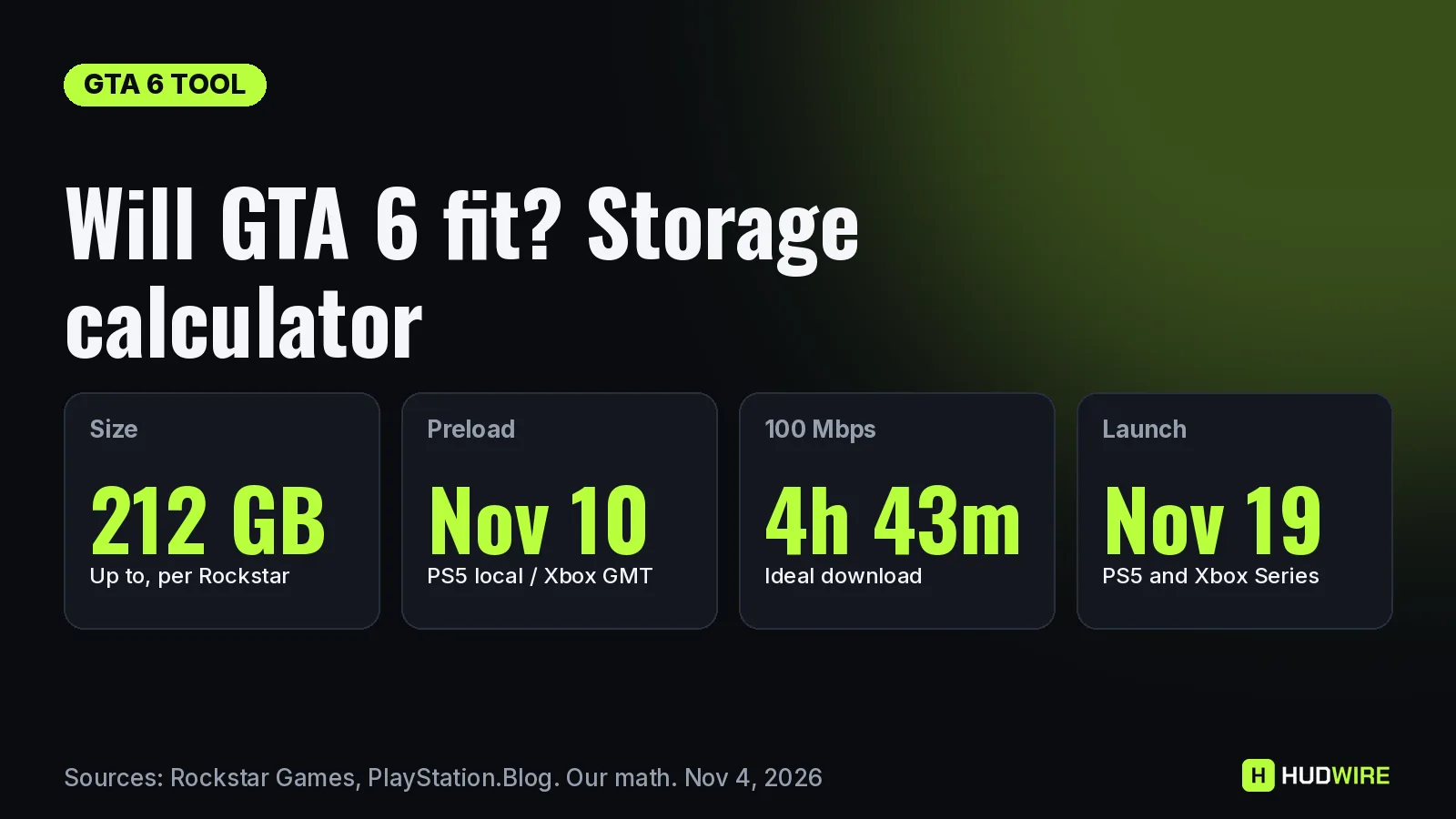
GTA 6 needs up to 212 GB, and the digital preload opens on November 10. Pick your console, enter how much space your other games use and your internet speed, and this calculator tells you whether GTA 6 fits, how long the download takes and when it will finish if you start the moment preloading opens.
Times are shown in your device’s time zone. Usable space figures are approximate.
Turn on JavaScript to use the calculator, or use the tables below.
Built on November 4, 2026 from Rockstar’s official figures: “up to 212 GB depending on your device”, preload from November 10 (PS5 at local midnight, Xbox at 00:00 GMT), launch on November 19. Usable space per console is approximate, because the system software reserves part of the drive. Find your real free space in Settings, then Storage, on both consoles.
How the calculator works
- Fits? Usable space minus what your other games use, compared with 212 GB (the official minimum) and 250 GB (our suggested margin for a day-one patch, which Rockstar hasn’t announced or ruled out).
- Download time: 212 GB is 1,696,000 megabits. We divide that by your speed in Mbps, then by the realism factor you choose. Our math
- Done by: the preload opening time on your platform plus the download time, shown in your device’s time zone.
Usable space by console
| Console | Usable space (approx.) | Left after 212 GB on an empty drive |
|---|---|---|
| PS5 / PS5 Digital (825 GB) | ~667 GB | ~455 GB |
| PS5 Slim (1 TB) | ~848 GB | ~636 GB |
| PS5 Pro (2 TB) | More than 1.8 TB | More than 1.6 TB |
| Xbox Series S (512 GB) | ~364 GB | ~152 GB |
| Xbox Series S / Series X (1 TB) | ~802 GB | ~590 GB |
| Xbox Series X (2 TB) | ~1.8 TB | ~1.6 TB |
212 GB download time by speed
| Speed | Ideal | Realistic (80%) | Busy servers (50%) |
|---|---|---|---|
| 10 Mbps | 47 h 7 min | 58 h 53 min | 94 h 13 min |
| 25 Mbps | 18 h 51 min | 23 h 33 min | 37 h 41 min |
| 50 Mbps | 9 h 25 min | 11 h 47 min | 18 h 51 min |
| 100 Mbps | 4 h 43 min | 5 h 53 min | 9 h 25 min |
| 200 Mbps | 2 h 21 min | 2 h 57 min | 4 h 43 min |
| 300 Mbps | 1 h 34 min | 1 h 58 min | 3 h 8 min |
| 500 Mbps | 0 h 57 min | 1 h 11 min | 1 h 53 min |
| 1000 Mbps | 0 h 28 min | 0 h 35 min | 0 h 57 min |
Our math On a 25 Mbps line, even the ideal case takes almost 19 hours. If you’re on a slow connection, start the preload on November 10 rather than waiting: you have nine days, which covers almost any speed. Full advice is in our GTA 6 download time guide.
Not enough space? A quick checklist
- Check real free space in Settings, then Storage, before November 10.
- Move, don’t delete: on PS5, move PS4 games and PS5 games you aren’t playing to a USB drive. On Xbox, move older games to a USB drive and keep the internal SSD or Expansion Card for GTA 6.
- Delete big installs you can re-download, such as Call of Duty or other live-service games you’ve finished with.
- Clear captures: video clips and screenshots can take tens of GB.
- Upgrade if you must: a compatible M.2 SSD on PS5 or a Storage Expansion Card on Xbox. GTA 6 can’t run from a USB drive.
Frequently asked questions
Will GTA 6 fit on my PS5?
Yes on every PS5 model. Rockstar says the preload needs up to 212 GB. A launch PS5 has about 667 GB usable, a PS5 Slim about 848 GB and a PS5 Pro more than 1.8 TB. You may need to delete other games first.
Will GTA 6 fit on an Xbox Series S?
Yes. The 512 GB Series S has about 364 GB usable, so 212 GB fits with about 152 GB left over, enough for little else.
How long does GTA 6 take to download?
At a steady 100 Mbps, 212 GB takes about 4 hours 43 minutes. At a realistic 80% of that speed it’s closer to 5 hours 54 minutes. Use the calculator above with your own speed.
When does the GTA 6 preload start?
November 10, 2026. On PS5 it opens at midnight local time, and on Xbox at 00:00 GMT worldwide (01:00 in Madrid, 7 PM ET on November 9).
How much free space should I leave for GTA 6?
Rockstar lists up to 212 GB. We suggest about 250 GB to cover a possible day-one patch, which Rockstar hasn’t announced or ruled out.
Can I play GTA 6 from a USB drive?
No. You can store it on USB, but it has to run from the internal SSD, a compatible M.2 SSD on PS5, or an Xbox Storage Expansion Card.
Sources
- Rockstar Newswire: Grand Theft Auto VI pre-load begins on November 10
- PlayStation.Blog: Grand Theft Auto VI pre-download begins November 10
- GamesRadar+: Rockstar confirms GTA 6 is 212GB
- The Verge: GTA VI storage space